To configure, navigate in the Shopware backend to Settings → Plugin Manager. In the left column, go to Installed. Find the plugin in the list and click on the yellow edit pencil 
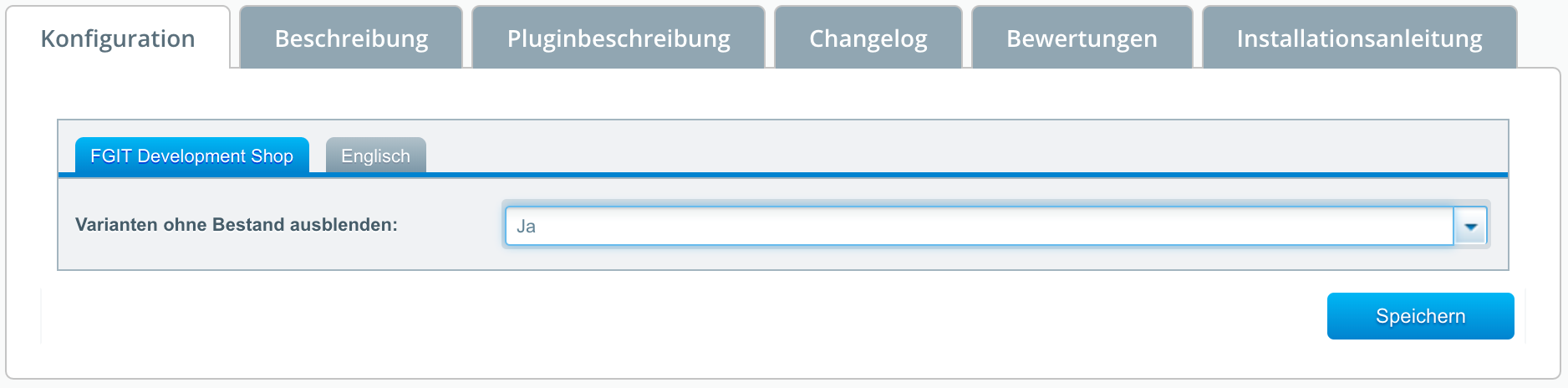
You can configure the following here:
Configuration via this plugin is straightforward and you only need to specify whether and how you want to hide variants without stock.
Related Articles
Related articles appear here based on the keywords you select. Click to edit the macro and add or change keywords.
| Related Tasks |
|---|