To configure, navigate in the Shopware backend to Settings → Plugin Manager. In the left column, go to Installed. Find the plugin in the list and click on the yellow edit pencil 
1. Plugin Configuration
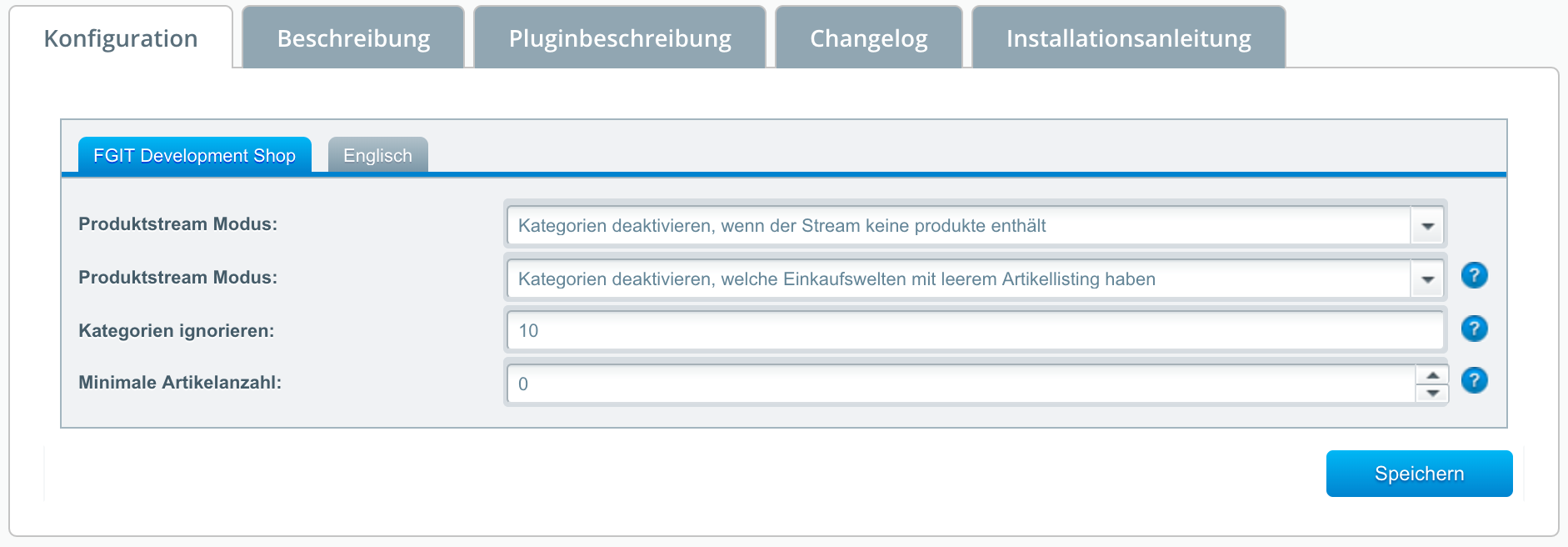
Product Stream Mode: Disable your empty categories or prohibit disabling.
Product Stream Mode: Only shopping worlds that display items under the shopping world are disabled.
Ignore Categories: Enter the system IDs of the categories that should be ignored by the plugin.
Minimum Number of Items: Categories (or their product streams) that contain fewer items are disabled by the plugin.
2. Setting Up the Cronjob
For the plugin to be able to hide empty categories, you must install and activate the Shopware "Cronjob" plugin in the Plugin Manager. After that, you must configure a corresponding cronjob for your Shopware instance in your web hosting control panel or on your server. You can find detailed instructions here.
Related Articles
Related articles appear here based on the keywords you select. Click to edit the macro and add or change keywords.
| Related Tasks |
|---|