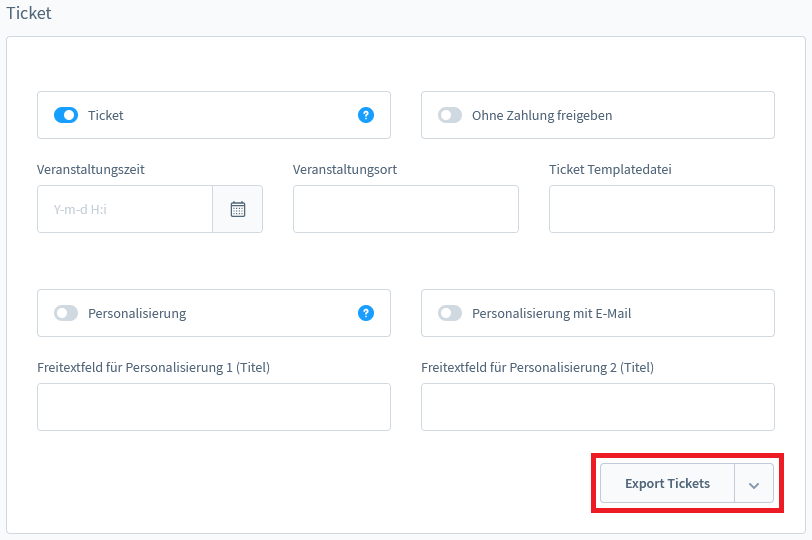
To start the ticket export, simply open a product detail page in the backend via the menu Catalogs -> Products and select a product from the list.
In the ticket detail view, you will find an "Export Tickets" button at the bottom. Using the arrow on the button, select the desired sales channel and a new window will open with a CSV download of the respective order data. This function exports all tickets per product.