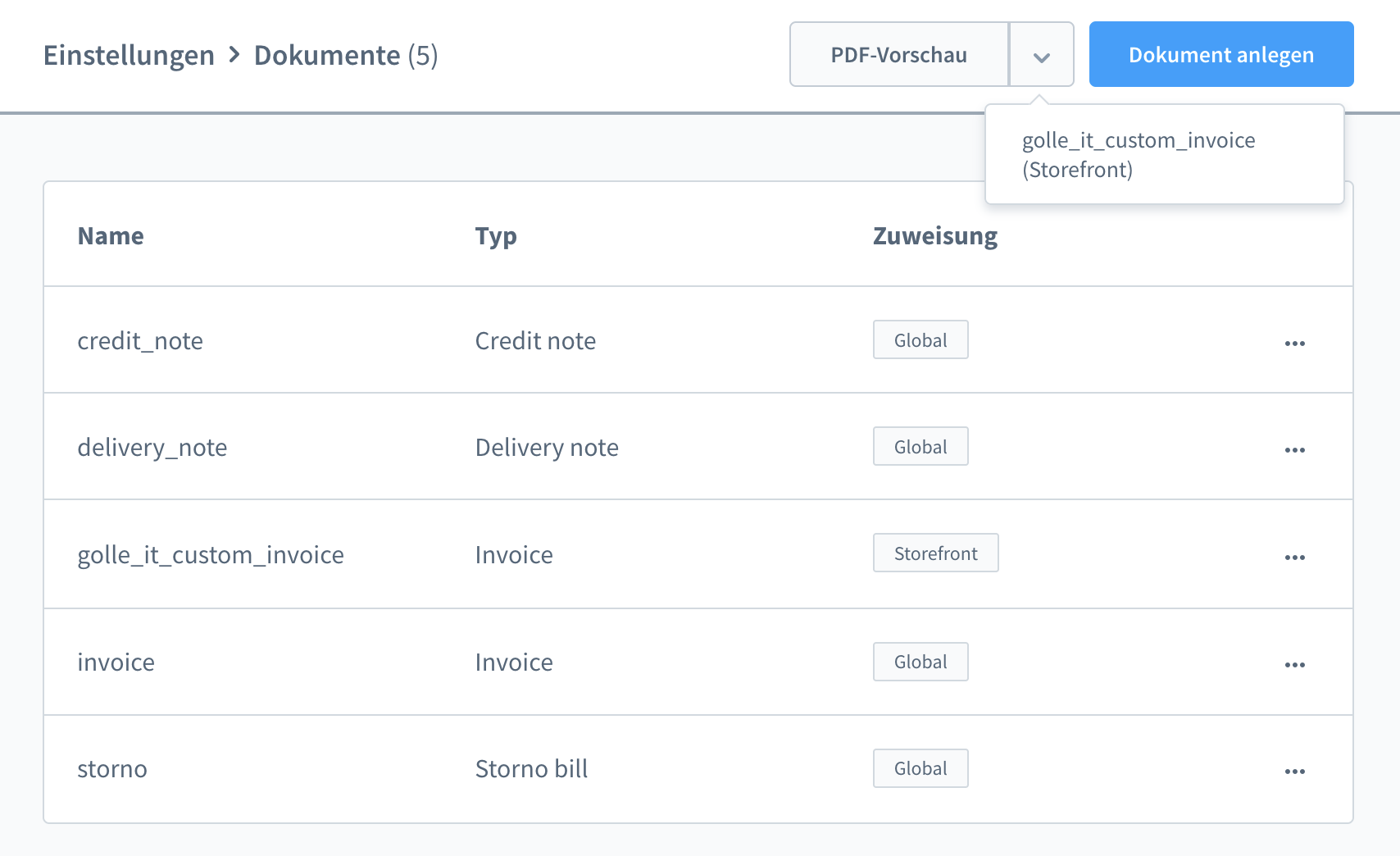
To use the document preview function, navigate to Settings -> Documents, where you will find a button for PDF preview. This function is only available for documents that have been assigned to a sales channel and for all documents except credit notes. Otherwise, the button will be hidden.
PDF Preview (from v5.6.4)
Was this helpful?