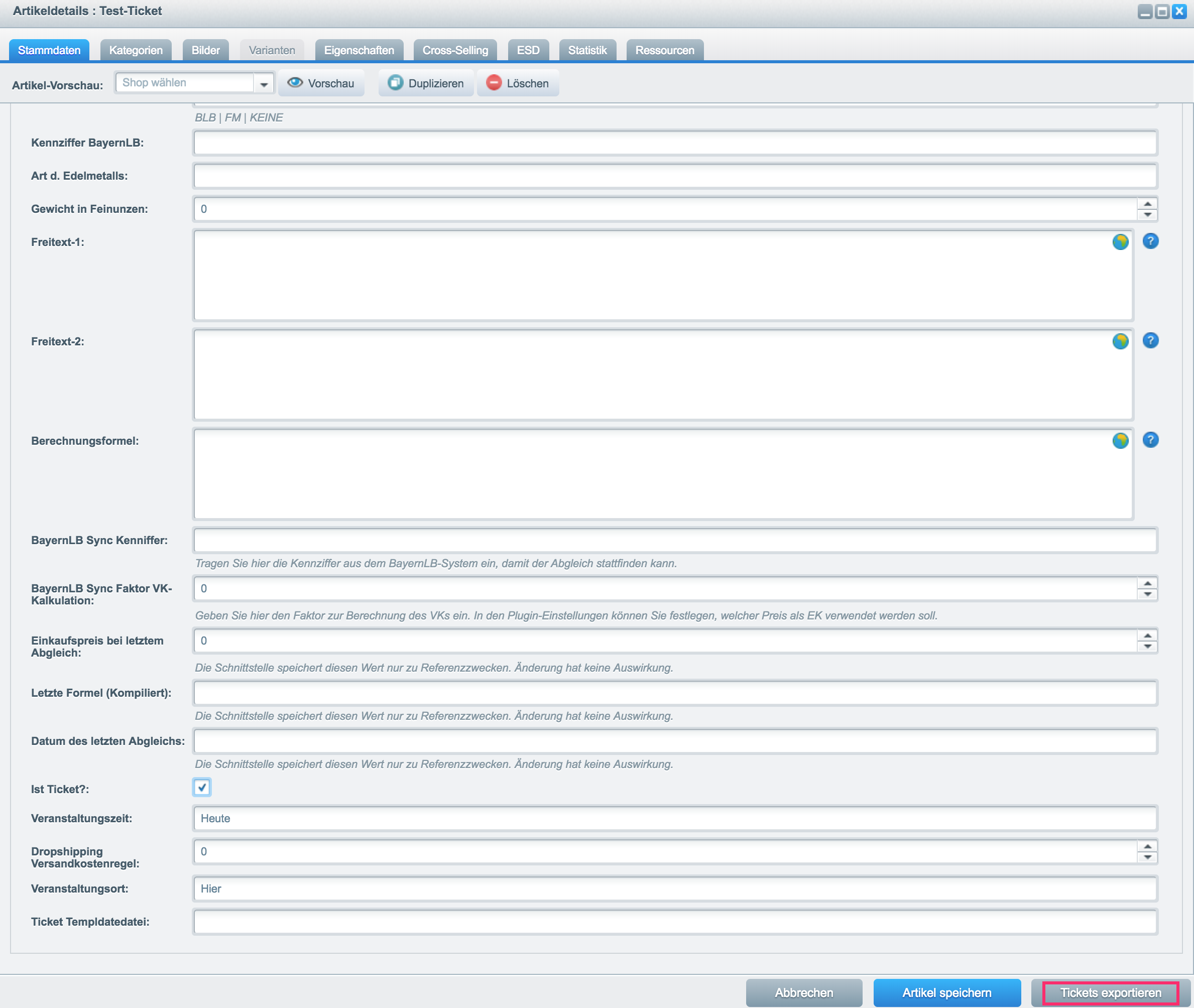
To start the ticket export, simply open a product detail page in the backend via the menu Items -> Overview. Select a ticket from the list of products and click the edit pencil 
In the detail view you will find a new button "Export Tickets" at the bottom. Clicking this button opens a new window with a CSV download of the respective order data.
These variables are available:
ticketNamearticleNumberorderNumberpriceeventDatetimeeventLocationorderarticleDetailticketIdticketHashpersonalizedFullnamepersonalizedEmailpersonalizedCustomTitlepersonalizedCustomFieldconfigticketTemplatepersonalizedOrNormalEmail
Related Tasks |
|---|