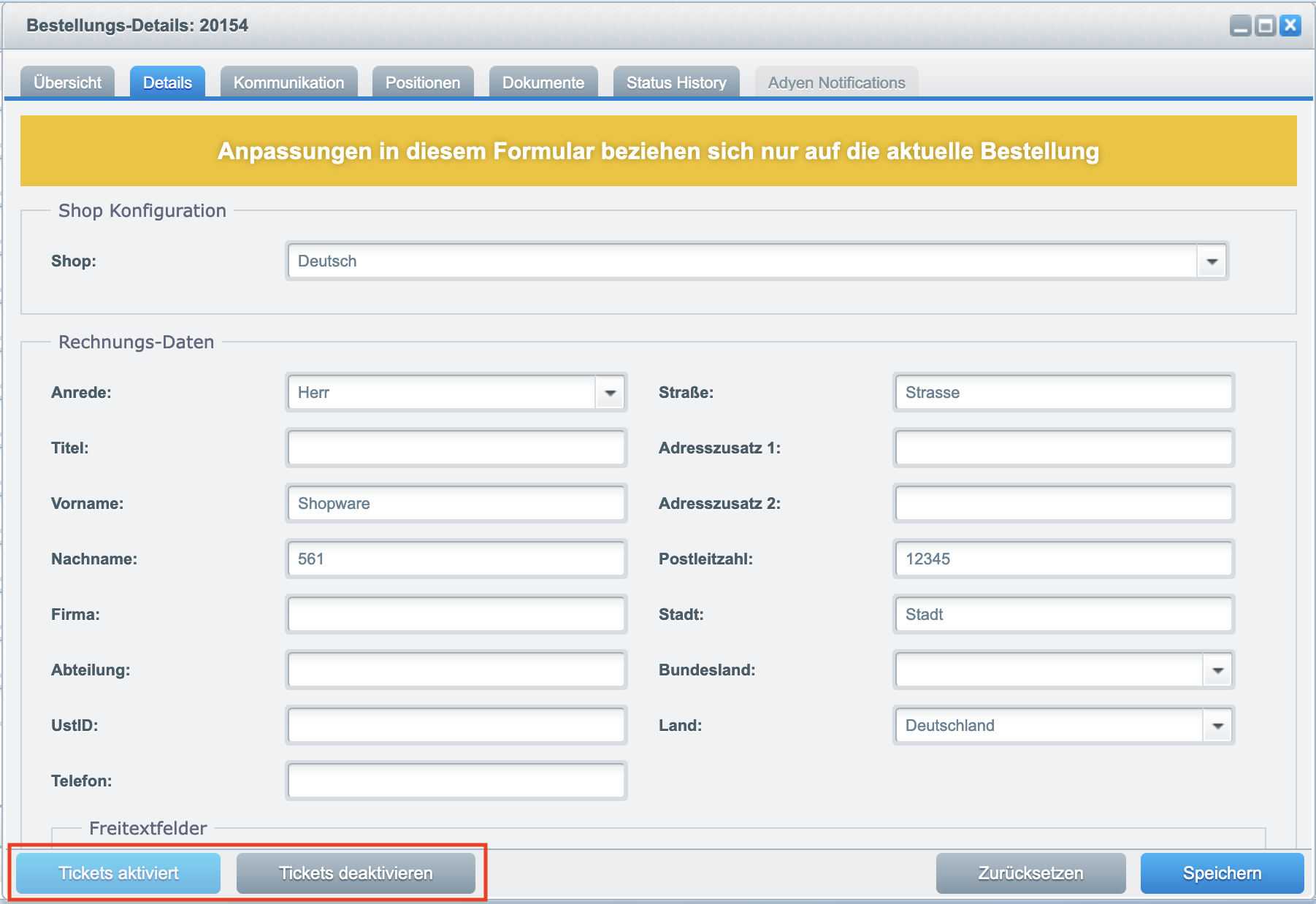
To enable or disable tickets, open an order details page in the backend via the menu Customers -> Orders. Select an order from the list and click the edit pencil 
In the details view you will find two buttons "Tickets enabled" and "Tickets disabled" at the bottom left. You can use these buttons to disable the tickets from the respective order or enable them again.
Note: These buttons are only available in orders with tickets.